
See the operation while it is happening.
Give authorized operations teams a current view of field activity, workforce status, site conditions, and operational events across active locations.
Less time asking what is happening. More time responding to what matters.
Signalix brings current operational information into one view so authorized teams can identify conditions requiring attention without relying entirely on calls, texts, and manual status checks.
FASTER AWARENESS
See relevant operational activity sooner.
BETTER SUPERVISOR CONTEXT
Review current conditions across assigned sites and teams.
LESS STATUS CHASING
Reduce repetitive calls and messages asking for basic operational updates.
Monitor active operations across sites.
Review current workforce activity, recent events, site status, and other operational information from a centralized view.
- Current site activity
- Workforce status context
- Recent field events
- Operational exceptions
- Supervisor visibility
- Activity timeline
- Site-level filtering
- Role-based access
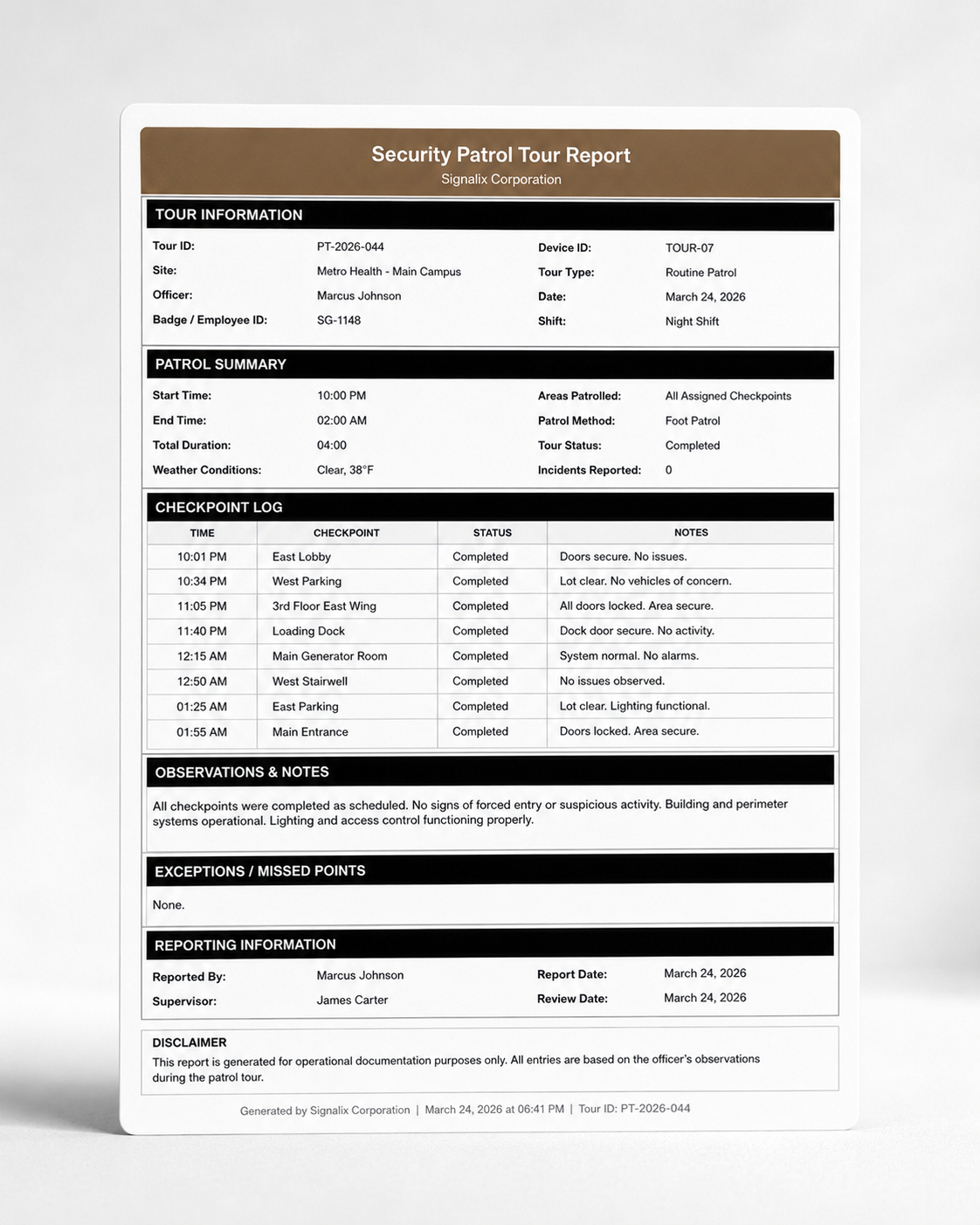
Keep the operations team connected to the field.
- 01
OPERATE
Field teams carry out assigned responsibilities.
- 02
CAPTURE
Relevant operational activity enters the system.
- 03
SURFACE
Current activity and exceptions become visible to authorized users.
- 04
REVIEW
Supervisors assess conditions that need attention.
- 05
RESPOND
Teams coordinate the appropriate follow-up.
- 06
RECORD
Operational activity remains part of the broader history.
A clearer picture of active security operations.
MULTI-SITE VIEW
Review activity across assigned operational locations.
ACTIVITY TIMELINE
See recent operational records in chronological context.
SITE FILTERING
Focus on the clients, sites, or teams relevant to the user.
EXCEPTION AWARENESS
Surface conditions requiring additional attention.
SUPERVISOR VISIBILITY
Give leaders an operational view appropriate to their responsibilities.
CONNECTED RECORDS
Keep current activity connected to incidents and reporting.
Operations become harder to manage when the field disappears between check-ins.
REDUCE INFORMATION DELAY
Bring relevant activity into a shared operational view.
SUPPORT SUPERVISORS
Give leaders better context across assigned sites.
COORDINATE FOLLOW-UP
Help teams identify situations requiring action.
MAINTAIN OPERATIONAL CONTEXT
Keep field activity connected to the rest of the operational record.
Live visibility for the roles that need it.
OPERATIONS DIRECTORS
Review broader activity across the operation.
DISPATCHERS
Maintain awareness of current field conditions.
SUPERVISORS
Monitor assigned teams and sites.
AUTHORIZED CLIENT USERS
Review permitted service information through appropriate client-facing workflows.
Connected Platform modules
Incident Reporting
Connect operational events to structured incident records.
Common questions
Can Live Activity show multiple sites?
Yes. Authorized users can review activity across multiple assigned sites and filter to the locations relevant to their role.
Who can access operational activity?
Access is controlled through role-based permissions so users see the operational information appropriate to their responsibility.
How does Live Activity connect to incidents?
Operational activity remains connected to incident records, so teams can move from current conditions to structured incident documentation when needed.
Can activity be filtered by location or team?
Yes. Users can focus on specific clients, sites, or teams based on their configured access and operational scope.
Does current activity remain available as historical data?
Yes. Operational activity becomes part of the broader historical record for review through reporting and other authorized workflows.
Can client users see operational information?
Authorized client users can access permitted operational information through configured client-facing workflows such as the Client Portal.
See how Signalix fits your operation.
Book a customized demonstration based on your teams, sites, workflows, and operational priorities.